Getting started
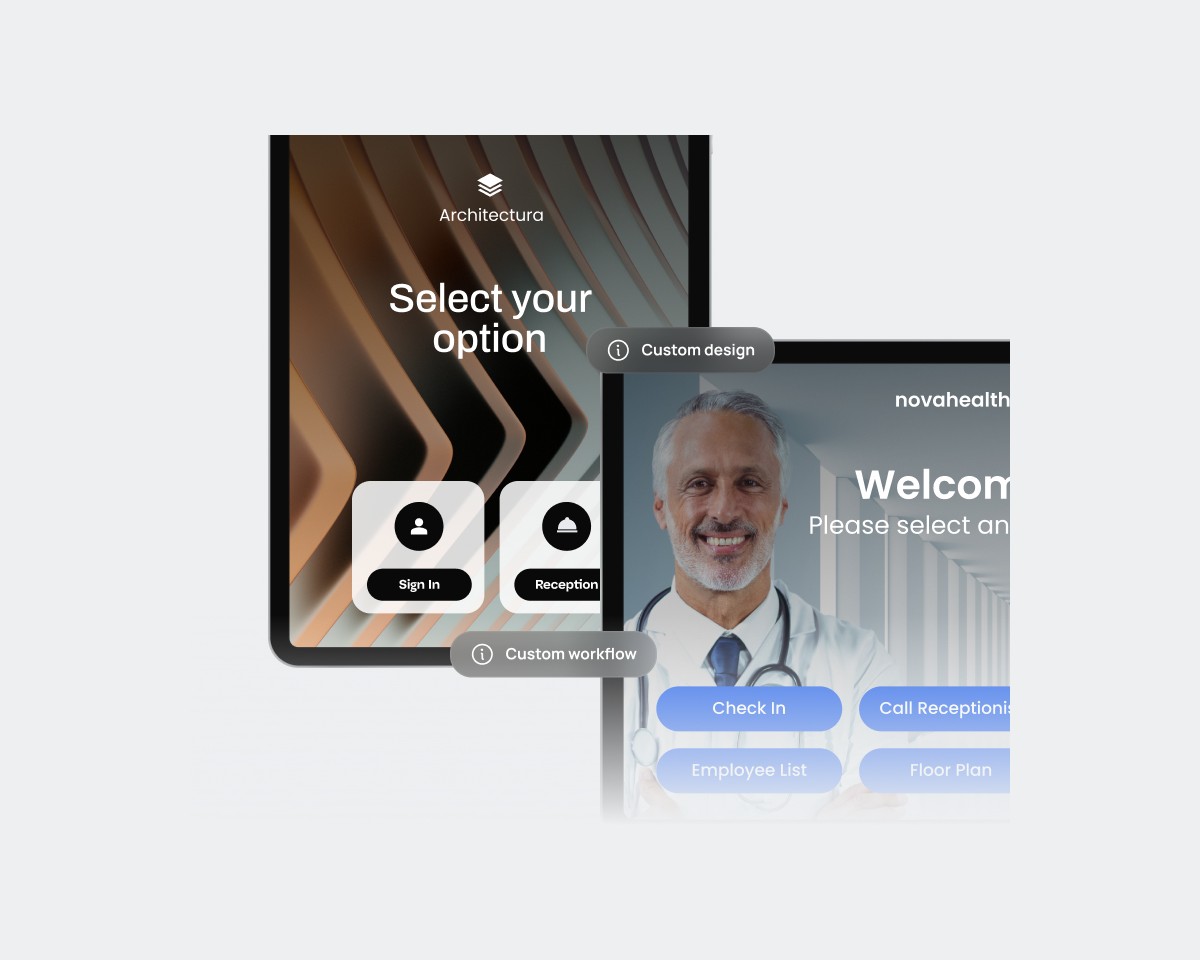
Create your first station, add your team, sign in.
Set up your device
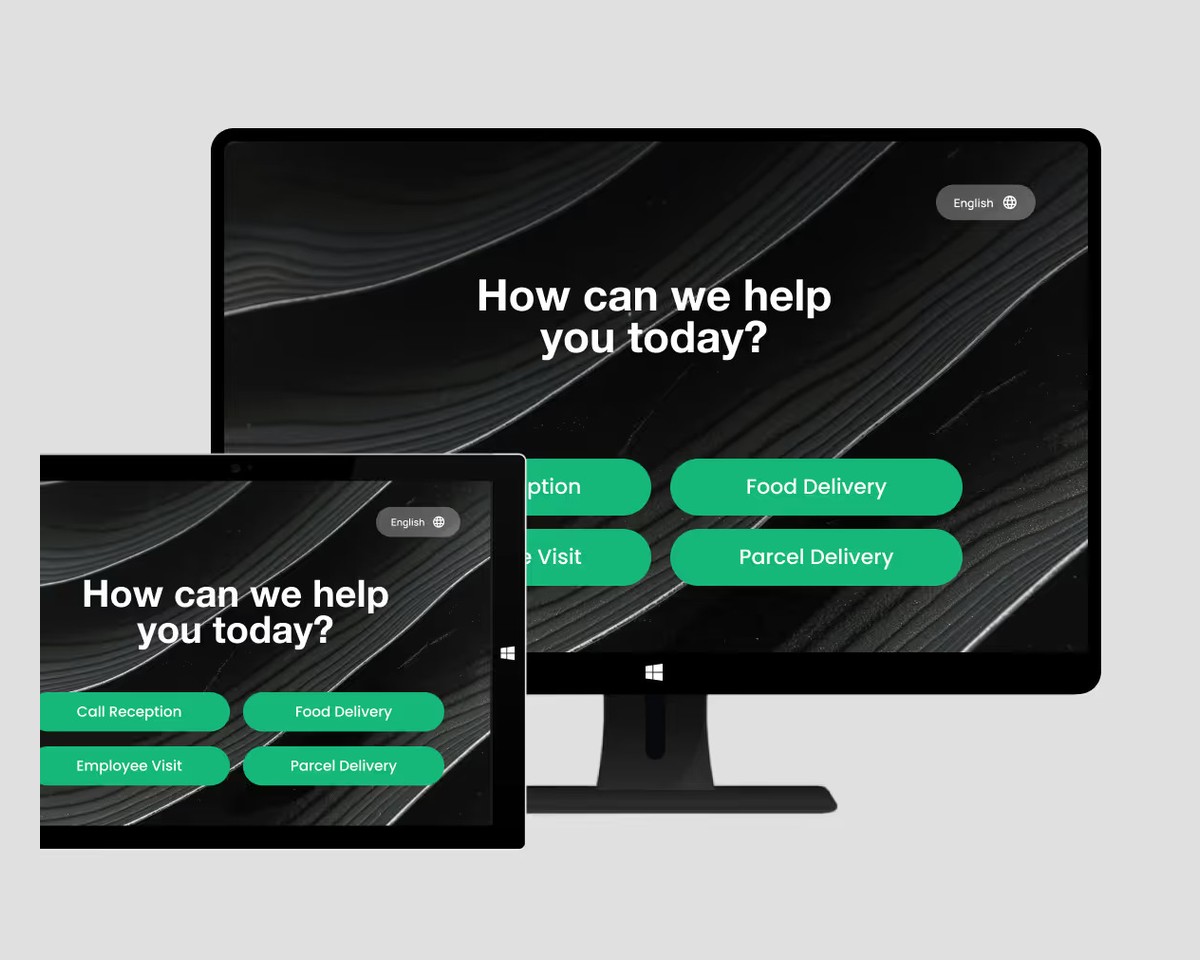
Tablets, Neat, Windows, printers, scanners and card readers.
Answering calls
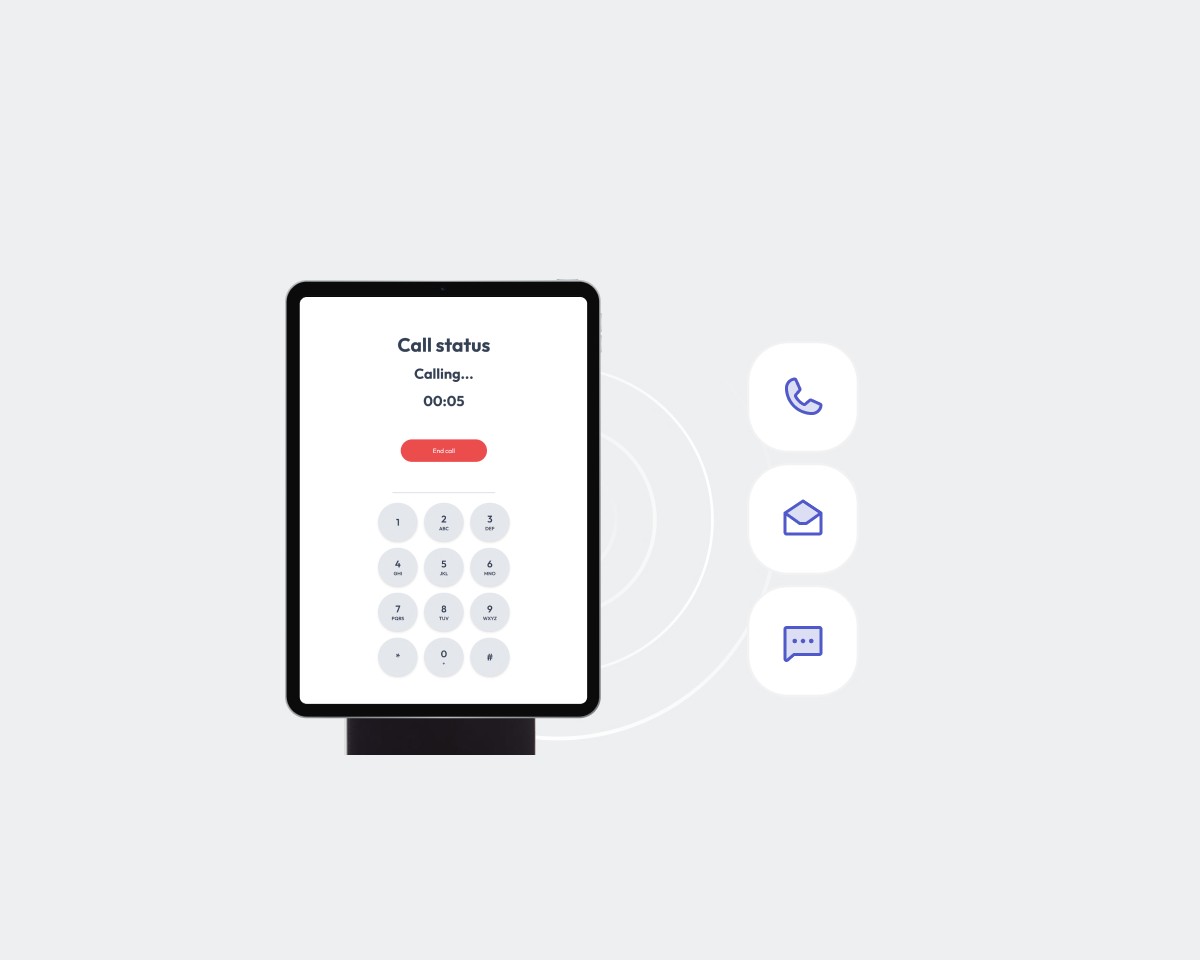
Live calls, queues, groups, mobile apps and monitoring.
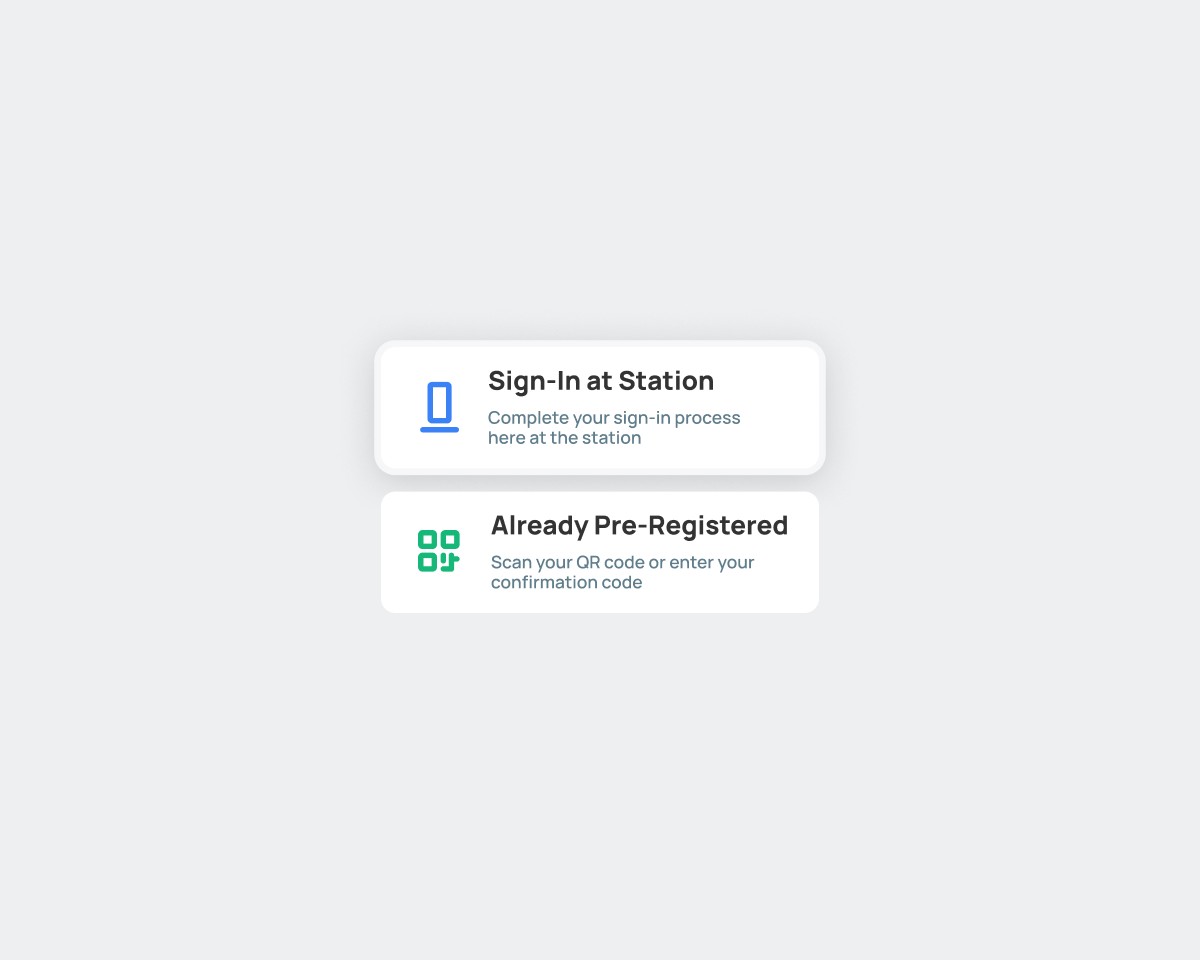
Visitor management
Sign-in forms, documents, QR codes, branding and pre-registration.
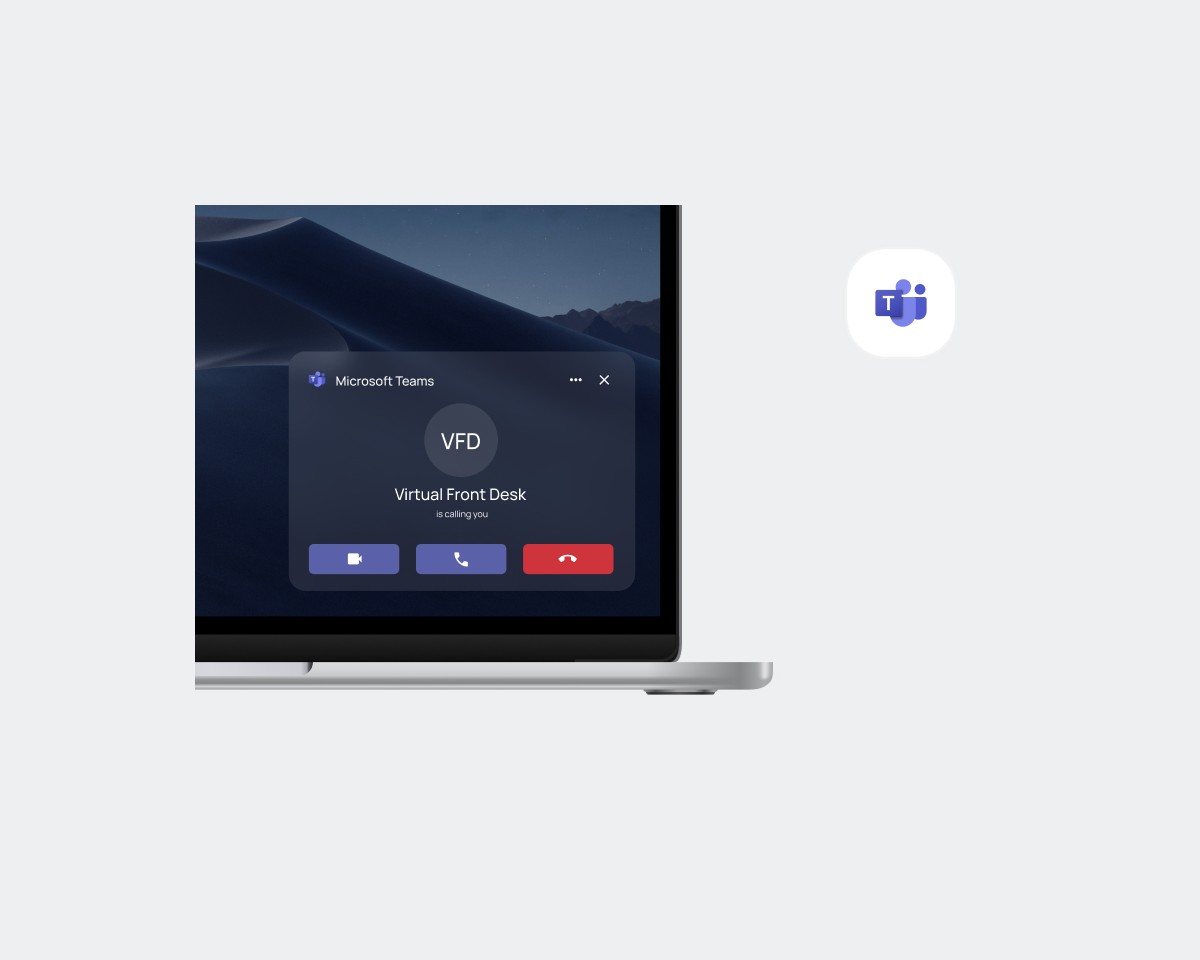
Microsoft Teams
Video calls, call queues, auto attendant, SMS and Azure groups.
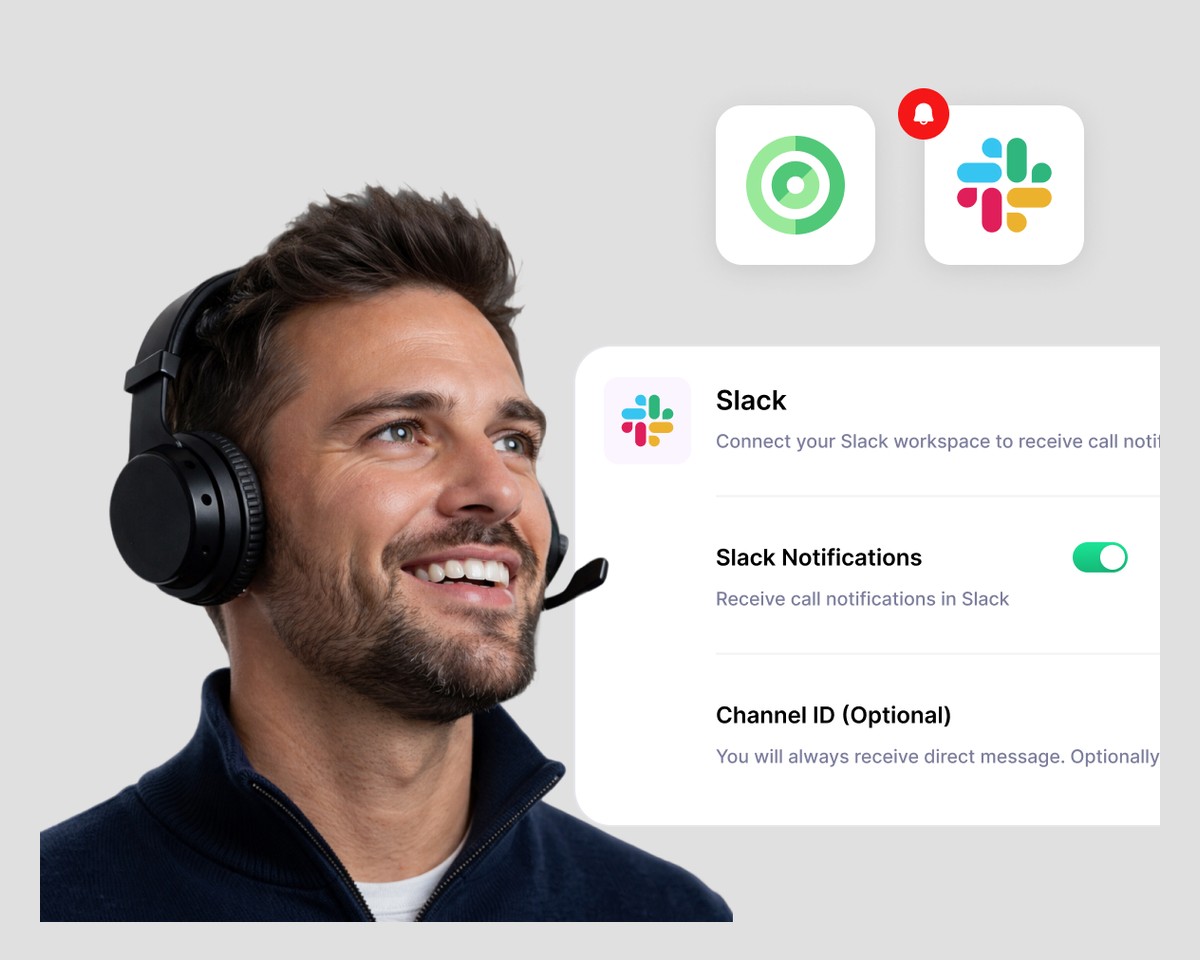
Other integrations
Slack, WhatsApp and Okta.
Account, billing and logs
Subscriptions, settings, history and logs.
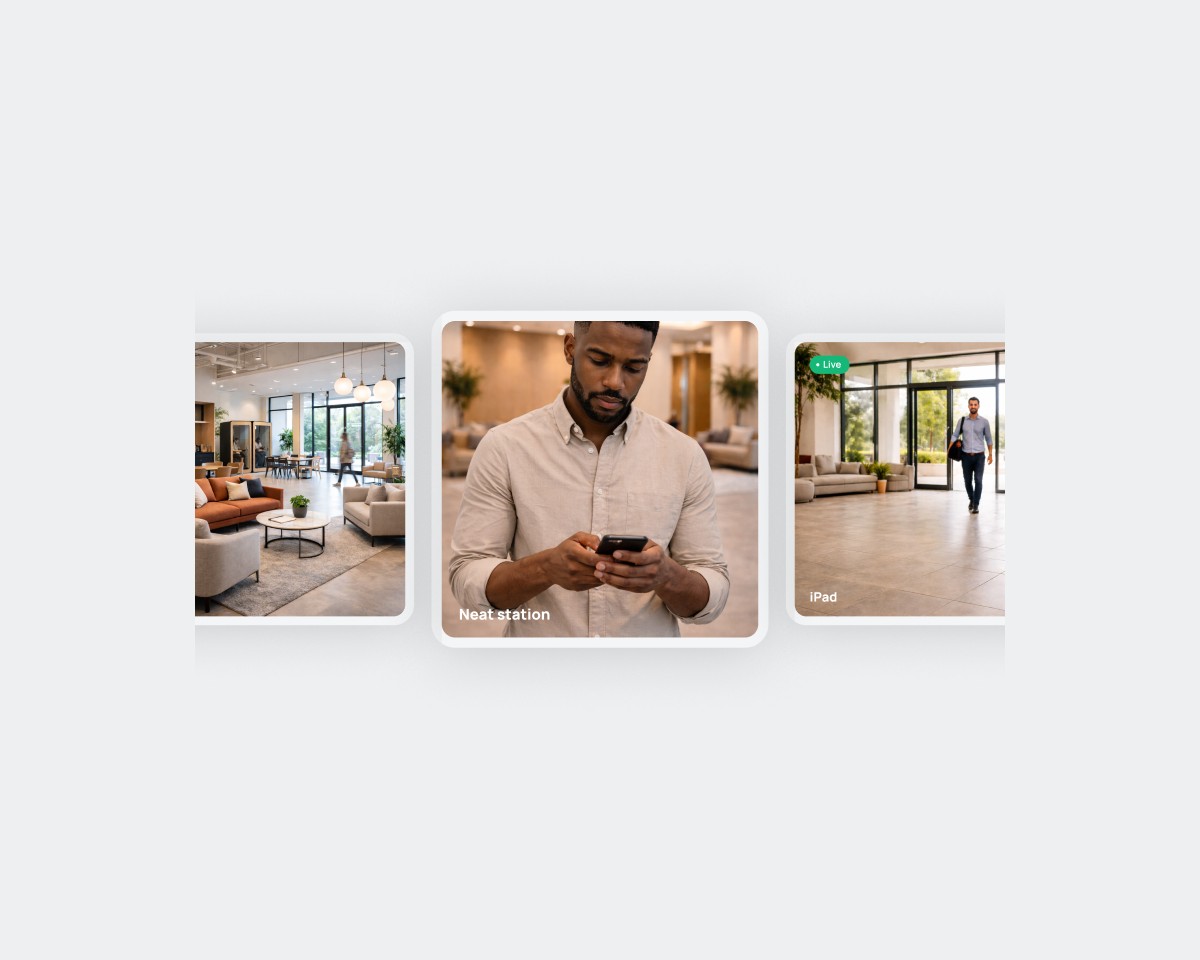
Security and troubleshooting
Infrastructure, HIPAA, firewall and permissions.
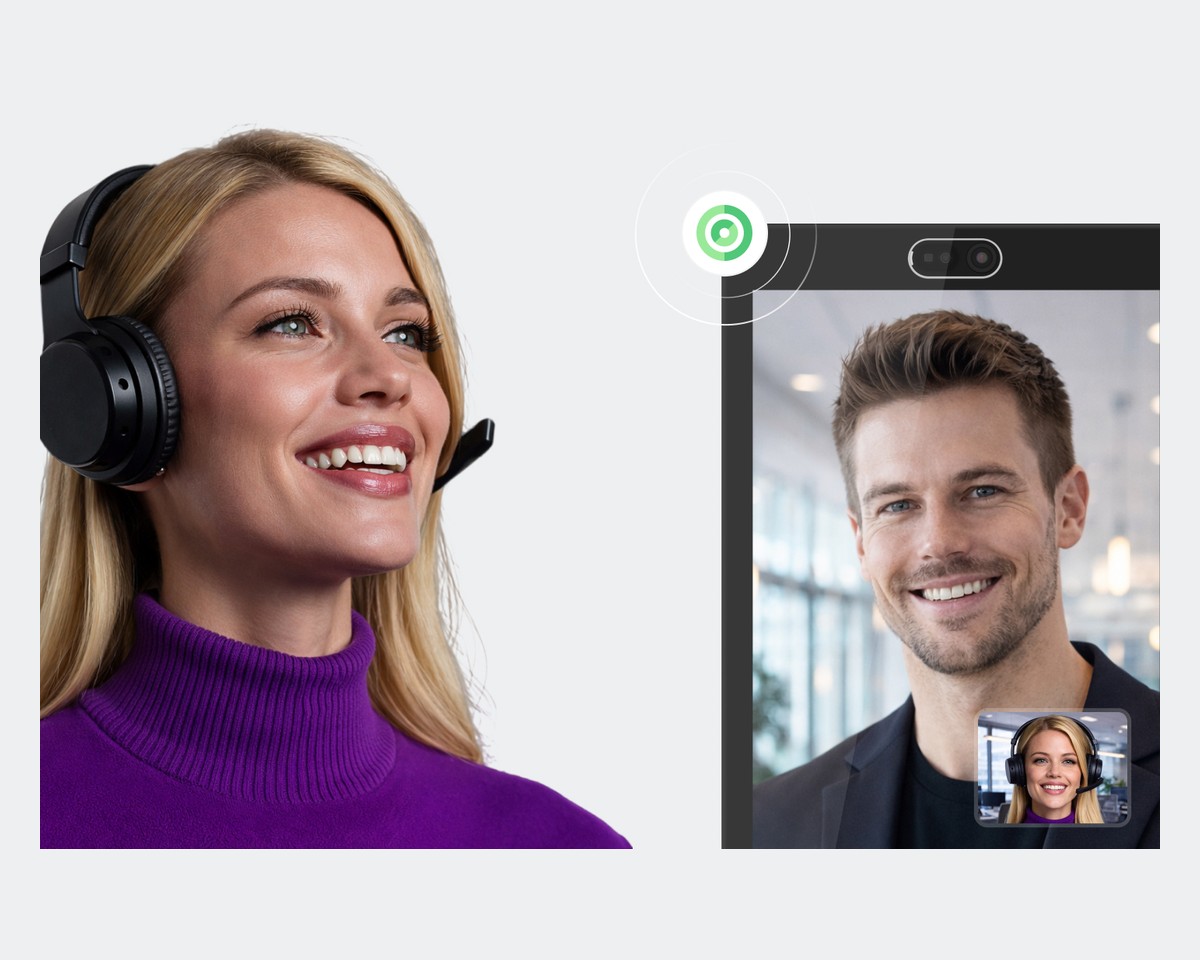
FAQ
Frequently Asked Questions
Creating Stations
Our system offers a wide range of features to choose from. This article will guide you in creating the perfect station for your needs.
Documents, PDFs, QR Codes & iFrames
Analytics
See how your front desks perform: calls, answer rate, user availability, feature usage, AI receptionist activity and station network health.